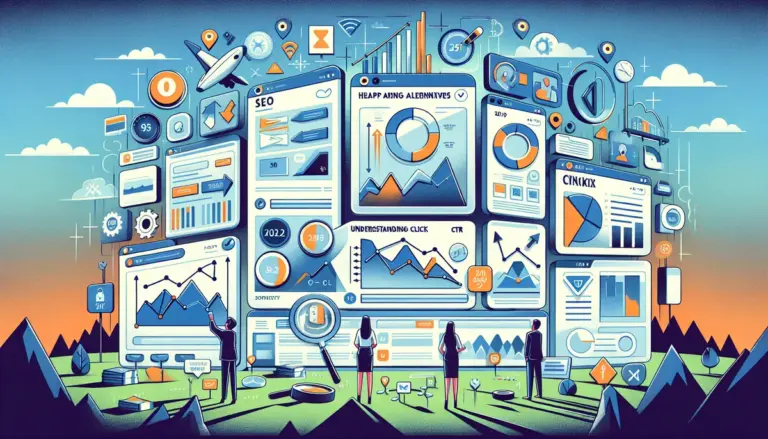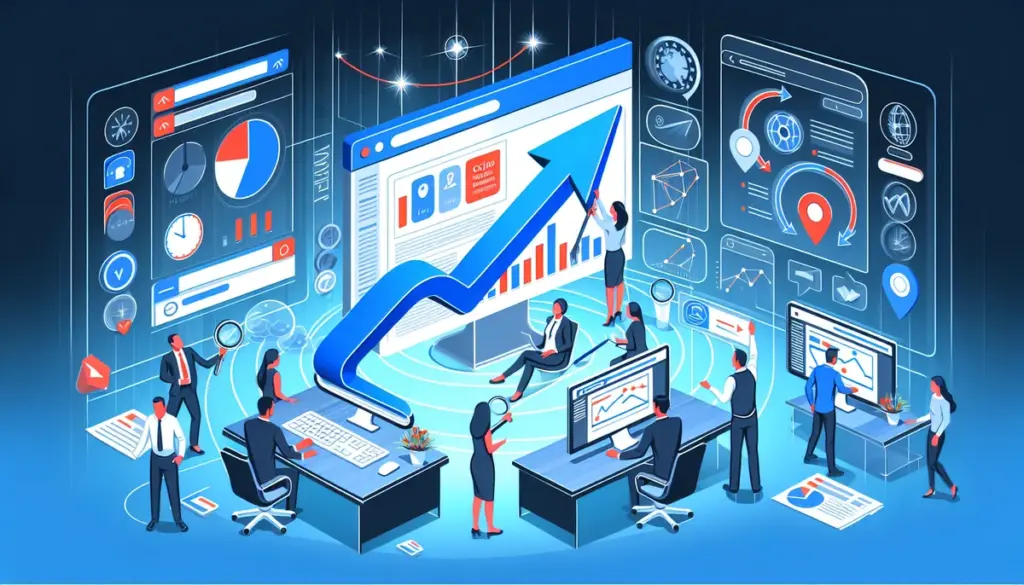
Microsoft Clarity is useful when you need free session recordings, heatmaps, and rage-click visibility. It is less useful when the job is click performance analysis across the full acquisition path: search rankings, SERP features, AI Overview visibility, local pack movement, ad creative testing, landing-page behavior, and the CTR friction between impression and conversion. If you are replacing Clarity, the real decision is not “which heatmap tool is similar.” It is “which platform helps explain why clicks are won, lost, or wasted, and what can be changed next.” This means you need a tool focused on understanding click and user behavior across the entire customer journey, not just isolated events.
Some teams need deeper rank visibility because click loss starts in search. Some need better product analytics because recordings alone do not explain drop-off patterns. Others need ad and creative testing because the CTR issue sits in paid traffic, email, or on-page messaging rather than UX. The list below prioritizes tools that are commercially useful for diagnosing click performance, not just replaying sessions.
What to Look For in an Alternative
Look first at where your click problem actually starts. If organic CTR is slipping, you need ranking depth, SERP feature tracking, local visibility, and AI Overview monitoring rather than another replay library. If paid traffic is expensive but under-clicked, you need ad and landing-page testing. If users click but fail to progress, event analysis, funnels, and pathing matter more than heatmaps alone. Also check data depth and refresh cadence. A lot of vendors market rank depth loosely, partially, weekly, or behind higher-cost tiers. That matters because click opportunity often sits below page one before it becomes visible in reporting.
1. Ranktracker
Ranktracker is the clearest upgrade if Clarity is only showing what happened after the click, but your actual problem starts before the visit. For SEO teams, agencies, publishers, and in-house marketers trying to improve click performance from search, Ranktracker gives much more actionable visibility than page-one-only or partial-depth tools. It tracks the full Top 100 on all tracked keywords by default, which is a meaningful distinction because “Top 100 tracking” is one of the most misused claims in SEO software. Many competing tools either stop at page one, cap depth at Top 20, Top 30, or Top 50, or only provide deeper positions weekly or at a higher cost. Ranktracker includes full Top 100 rank tracking across tracked keywords at the lowest prices in the market, so you can see movement before rankings become obvious in traffic reports.
Refresh control is also commercially useful. You can choose daily, weekly, bi-weekly, or monthly refresh options, which makes scaling easier across large keyword sets and client portfolios. The math is simple: 1 keyword tracked daily can become 7 keywords weekly, 14 keywords bi-weekly, or 30 keywords monthly. That flexibility matters if you want broader SERP coverage without inflating spend. Ranktracker also includes full AI Overview tracking across all tracked keywords by default. There is no need to track the same keyword twice just to monitor AI Overviews, which removes a common duplicate-tracking workflow and keeps reporting cleaner.
It is also broader than a standalone rank tracker. The platform includes Rank Tracker, Keyword Finder, SERP Checker, Web Audit, Backlink Checker, Backlink Monitor, SEO Checklist, AI Article Writer, and branded share links. For agencies and multi-location businesses, the 107,296 supported locations, plus mobile and desktop tracking, Google Maps tracking, and Local GMB tracking, make it practical for hyper-local CTR analysis at scale. If the question is where click opportunity is being lost across organic search, local packs, and emerging SERP layouts, Ranktracker gives a more complete answer than Clarity can.
Key Features: Full Top 100 rank tracking by default, AI Overview tracking on all tracked keywords by default, daily/weekly/bi-weekly/monthly refresh options, 107,296 locations, mobile and desktop tracking, Google Maps and Local GMB tracking, branded share links, full SEO suite.
Pricing: Lower-cost than most tools offering true depth. Pricing depends on keyword volume and refresh frequency, but the platform is positioned at the lowest end of the market for full Top 100 tracking.
Best For: Businesses, agencies, and marketers that need accurate, verifiable, hyper-local search visibility and want to improve CTR before the click, not just analyze sessions after it.
Pros: True full-depth tracking by default, AI Overview monitoring included without duplicate keyword setup, flexible refresh economics, broader toolset than single-purpose trackers, useful for agency reporting.
Cons: If you only want free replay-style UX diagnostics and do not need search visibility, the suite may be broader than necessary.
2. Hotjar
Hotjar is the closest direct replacement if your team values Clarity mainly for heatmaps, recordings, and on-page feedback, but wants cleaner survey workflows and more structured qualitative insight. Its advantage is not that it records sessions better in a vague sense. It gives you more ways to connect behavior with stated friction through feedback widgets, interviews, and surveys, which is useful when CTR from email, ads, or social is healthy but landing-page clicks stall. Hotjar is especially practical for diagnosing weak CTA placement, form hesitation, pricing-page confusion, and mobile scroll abandonment.
Key Features: Heatmaps, recordings, surveys, feedback widgets, interviews, funnel support through integrations.
Pricing: Free tier available; paid plans scale by session volume and feature access.
Best For: Conversion teams that need qualitative evidence behind low landing-page click-through or form progression.
Pros: Better feedback collection than Clarity, easier to pair behavior with user sentiment, useful for CRO teams running page-level tests.
Cons: Less useful if your click problem starts in rankings, snippets, or ad creative rather than on-page UX.
3. FullStory
FullStory is a better fit than Clarity when you need forensic behavioral analysis across complex journeys, not just a library of recordings. It captures event streams, user paths, frustration signals, and conversion blockers in a way that suits product-led sites, SaaS funnels, and checkout-heavy environments. For click performance analysis, that matters when users do click through from search or ads but disappear inside account flows, pricing journeys, or multi-step forms. FullStory can help isolate where intent collapses after the first click, especially across device types and repeat sessions.
Key Features: Session replay, event capture, path analysis, funnel analysis, frustration signals, product analytics workflows.
Pricing: Custom pricing for most serious use cases; costs rise quickly with data volume and team needs.
Best For: SaaS companies, product teams, and larger sites that need post-click journey analysis beyond heatmaps.
Pros: Deeper behavioral analysis than basic replay tools, better for multi-step journeys, useful for identifying hidden conversion friction.
Cons: Expensive for smaller teams, heavier implementation, not designed to solve search CTR visibility on its own.
4. Crazy Egg
Crazy Egg makes more sense than Clarity when the priority is not just observing behavior but testing page changes quickly. Its value sits in the combination of heatmaps, scrollmaps, click overlays, and built-in A/B testing. That is commercially relevant for teams improving CTR from paid search, email, and promotional campaigns where headline order, button copy, hero layout, or offer framing can be changed fast. If your traffic source is already established and the problem is weak click progression on-page, Crazy Egg gives a faster route from observation to experiment than tools focused mostly on replay.
Key Features: Heatmaps, confetti reports, scrollmaps, session recordings, A/B testing.
Pricing: Paid plans based on traffic and feature needs; generally mid-market.
Best For: Marketers and site owners who want landing-page click analysis tied directly to simple test execution.
Pros: Built-in testing is useful, visual reports are easy to act on, good fit for campaign landing pages.
Cons: Less depth in product analytics, fewer enterprise controls, no meaningful search visibility layer.
5. VWO
VWO is the right alternative when your click performance work depends on disciplined experimentation rather than observation alone. It combines behavior analytics with testing, personalization, and server-side experimentation options, making it more suitable for mature CRO programs than Clarity. For teams managing expensive paid traffic or high-value lead funnels, this matters because CTR gains often come from repeated message and layout testing, not one-off heatmap reviews. VWO is particularly useful when different audience segments respond to different offers, proof points, or CTA structures.
Key Features: A/B testing, multivariate testing, personalization, heatmaps, session recordings, form analytics.
Pricing: Pricing varies by modules and traffic; enterprise use cases usually require custom quotes.
Best For: Teams with active experimentation programs across landing pages, lead-gen funnels, and revenue pages.
Pros: Better testing depth than replay-first tools, supports segmentation and personalization, useful for paid acquisition optimization.
Cons: More expensive than simple behavior tools, can be excessive for teams that only need recordings and heatmaps.
6. Mixpanel
Mixpanel is a better replacement than Clarity when click analysis needs event precision. It does not try to be a visual replay tool first. Instead, it tells you which clicks correlate with retention, purchase, signup completion, or feature adoption. That distinction matters for publishers, SaaS firms, and subscription businesses where not all clicks are equal. A page element with high interaction can still be commercially weak if it sends users into dead-end flows. Mixpanel helps separate noisy click activity from clicks that actually move users toward revenue.
Key Features: Event analytics, funnels, retention, cohorts, user paths, experimentation integrations.
Pricing: Free plan available; paid pricing scales with event volume and advanced analytics needs.
Best For: Product-led businesses and marketers who need outcome-based click analysis rather than visual session review alone.
Pros: Excellent for tying clicks to downstream outcomes, flexible segmentation, useful for lifecycle and funnel analysis.
Cons: Requires cleaner event planning, less visual than heatmap tools, not a direct substitute for SERP or snippet CTR analysis.
7. Optimizely
Optimizely fits organizations where click performance improvement is tied to structured experimentation across web, commerce, and content operations. It is not the cheapest way to replace Clarity, and that is the point. Larger teams use it when testing velocity, governance, and statistical control matter more than entry-level replay features. If your business is running high-spend paid acquisition, merchandising tests, or editorial conversion experiments across multiple teams, Optimizely gives a more operational testing framework than lightweight tools. It is useful when the cost of a bad page decision is high enough to justify deeper experimentation controls.
Key Features: A/B testing, feature experimentation, personalization, commerce optimization, analytics integrations.
Pricing: Custom enterprise pricing.
Best For: Larger organizations running formal experimentation programs across marketing, product, and commerce.
Pros: Mature testing governance, suitable for complex organizations, supports advanced experimentation workflows.
Cons: High cost, heavier setup, excessive for smaller teams looking for a simple Clarity replacement.
How to Choose the Right Alternative
If your problem is low organic CTR, choose a platform that shows ranking depth, SERP features, AI Overview presence, and local movement before traffic drops become obvious. That is where Ranktracker separates itself from replay tools and from rank trackers that only expose partial depth, weekly deeper positions, or more expensive full-depth plans. If your problem is expensive paid traffic landing on weak pages, choose a testing-first platform such as VWO or Crazy Egg. If users are clicking but failing inside complex journeys, FullStory or Mixpanel will usually tell you more than a heatmap alone. If you need user sentiment with behavior, Hotjar is the cleaner fit.
The practical shortcut is this: pre-click problems need search visibility, in-click problems need page testing, and post-click problems need event and journey analysis. Clarity sits mostly in the middle of that chain. The best alternative depends on which part of the chain is costing you clicks.
FAQ
What is the best Microsoft Clarity alternative for SEO-driven click performance?
Ranktracker is the best fit when click performance depends on search visibility rather than only on-site behavior. It tracks the full Top 100 on all tracked keywords by default, includes AI Overview tracking across tracked keywords without duplicate setup, supports 107,296 locations, and offers lower-cost depth than many competing rank trackers.
Which alternative is best for landing-page CTR optimization?
Crazy Egg and VWO are the most practical options if you need to test headlines, CTA placement, page structure, and offer presentation. They move faster from observed friction to controlled experiments than replay-only tools.
Which tool is best for understanding post-click user journeys?
FullStory is better for complex behavioral diagnosis, while Mixpanel is better when you need event-level proof that certain clicks lead to conversion, retention, or revenue outcomes.
Is there a free alternative to Microsoft Clarity?
Some tools offer free plans or limited tiers, including Hotjar and Mixpanel, but free access usually comes with session, event, or feature limits. If your goal is commercial click analysis rather than casual UX review, paid plans become necessary quickly.
Can one tool replace Clarity for search, ads, email, and on-page testing?
Usually no. Search CTR improvement, paid creative testing, email click analysis, and on-site behavior often require different layers of tooling. The most efficient setup is to choose the tool that covers your main bottleneck first, then add a specialist platform only where the data gap is real.